Skins change, your collection grows, and sometimes you just need to give a friend the knife they like best. If you're just figuring out how to transfer CS2 skins in 2026, it's all done through the Steam Trade Offer—a trading offer within Valve's platform. No third-party programs, no middlemen—it's all direct, fast, and commission-free. And if you want to trade an item even more simply, without messaging or finding a counter-item, some players simply use chez.trading —they can also safely trade CS2 skins directly on the website.
Below, we'll break down the entire process step by step: what you need to prepare in advance, how to submit a trade, why skins sometimes get stuck on hold, and how to avoid getting scammed.
Content
What do you need to prepare before transferring skins in CS2?
How to transfer skins in CS2 via Steam – step-by-step instructions?
How long do I have to wait after transferring skins in CS2? What is a hold?
How to safely transfer skins in CS2 and avoid getting scammed?
What do you need to prepare before transferring skins in CS2?
Many people open Steam, find the skin they want, and immediately try to send it—and then the problems begin. The trade fails, the button is grayed out, the skin is stuck for 15 days. The problem is almost always the same: the account wasn't prepared in advance. Therefore, before proceeding with the trade itself, it's worth checking a few things—it only takes a few minutes, but will save you a lot of headaches later.
The main requirement is the Steam Guard Mobile Authenticator. Without it, every trade will be stuck on hold for 15 days. This isn't a bug or an error—Valve specifically designed it to protect accounts from theft. The authenticator generates a one-time code every 30 seconds, so even if someone learns your password, you won't be able to log in without a phone. Important: the authenticator must be active for at least 7 days before the first trade—otherwise, the hold will still apply.
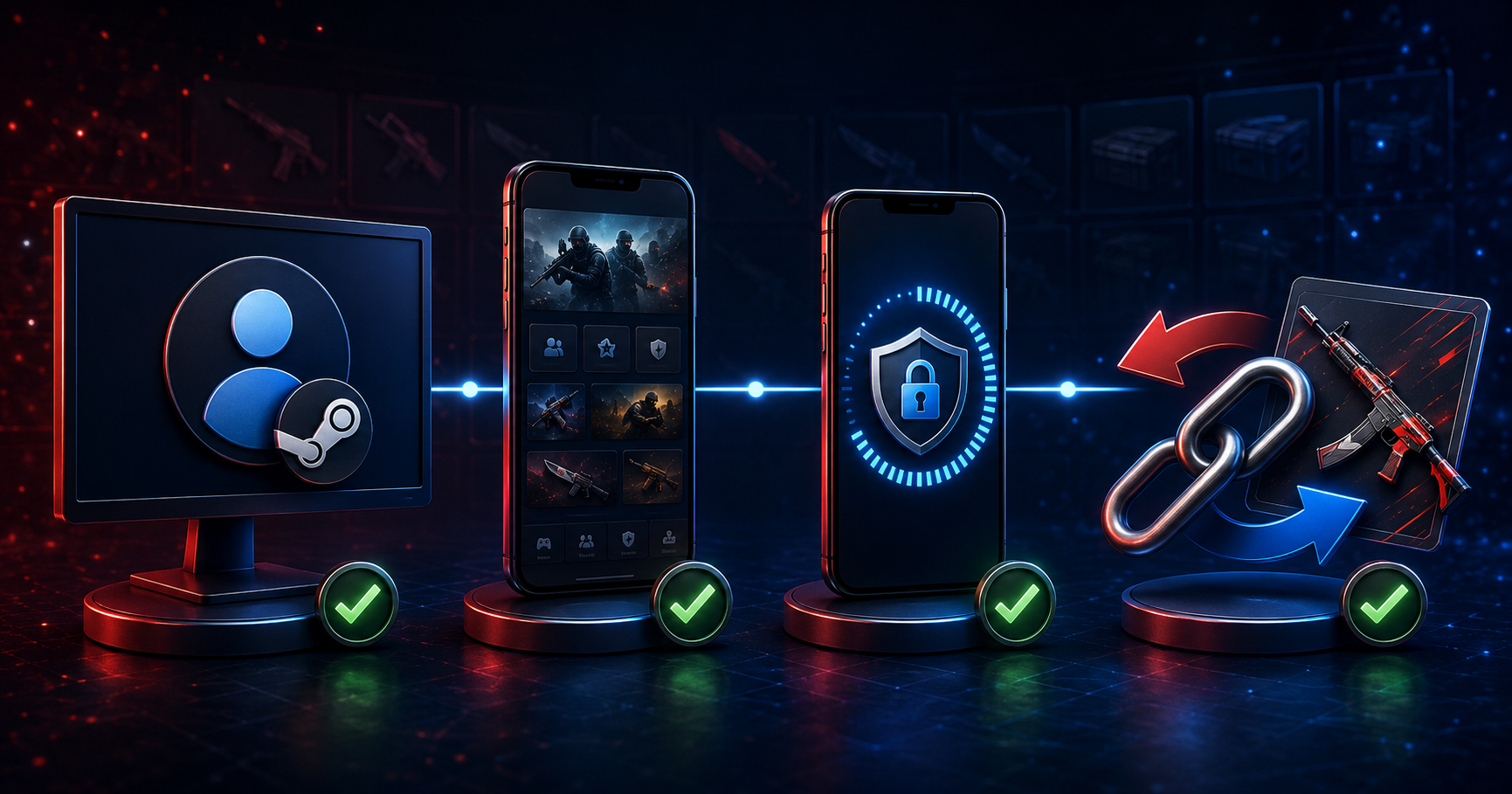
What you need to prepare and where to set it up:
A Steam account is the foundation for all trades. Create one at store.steampowered.com .
The Steam mobile app is required to confirm trades. Install it from the App Store or Google Play.
Steam Guard Mobile Authenticator removes the 15-day hold. Enable it in Settings → Account → Steam Guard.
Trade link – allows you to exchange items without adding someone as a friend. It's located in Inventory → Trade Offers.
The trade link is worth a separate discussion. It's a unique URL that allows you to send trade offers without being added as a friend. It's very convenient when exchanging offers with a stranger. It's easy to find: Inventory → "Trade Offers" (button in the upper right corner) → "Who can make me trade offers?" → "Trade Offer Link" section. You can copy it and send it to your contact. If the link is compromised, you can reset it and get a new one there.
How to transfer skins in CS2 via Steam – step-by-step instructions?
Steam Trade is the most reliable way to transfer skins in CS2 because everything happens within Valve's platform: neither party can "lose" the items, and the exchange either goes through completely or not at all. This is called an atomic transaction—either both parties get what they wanted, or everything stays the same. This is why Steam Trade is the standard trusted by millions of players.
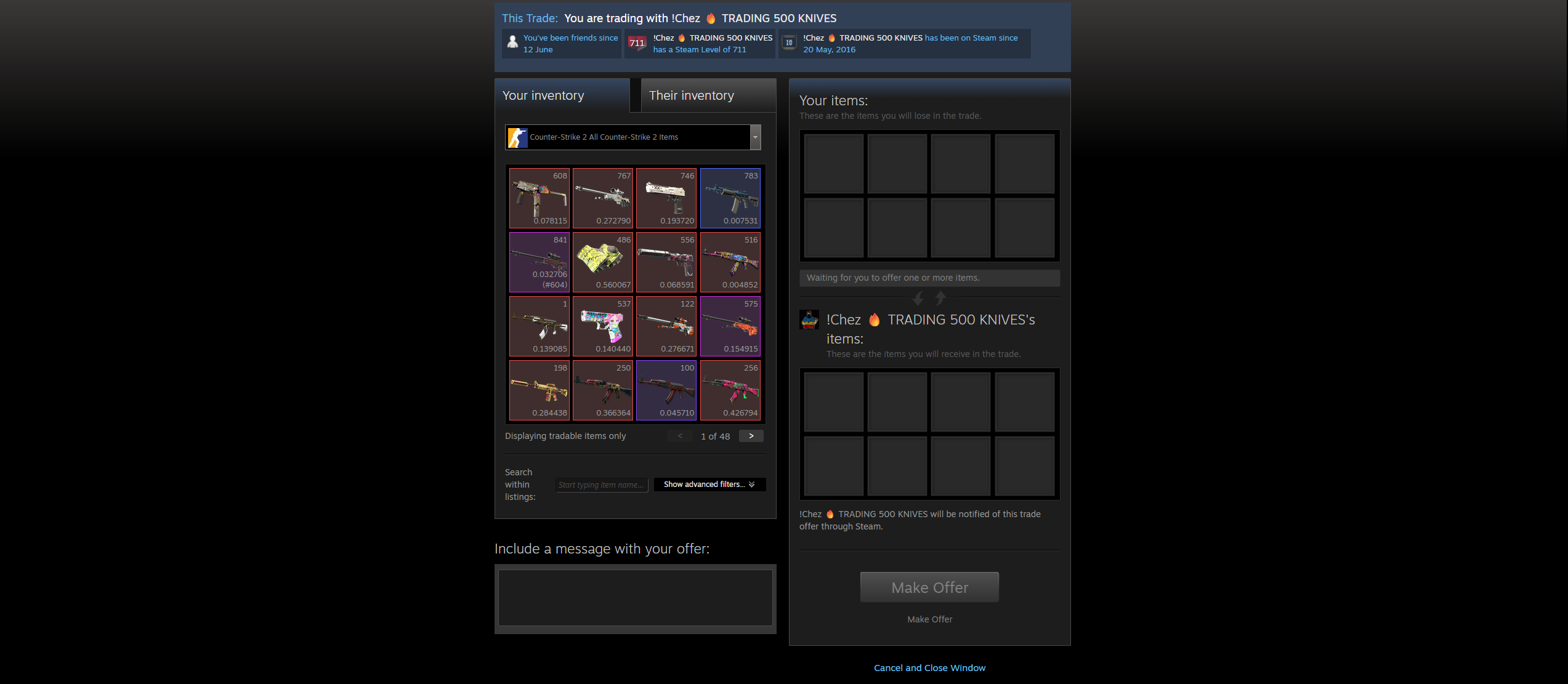
The process consists of several steps:
Open Steam and go to the recipient's profile page (if they're friends) - or use their trade link directly in your browser.
On your profile page, click "More" → "Offer a Trade." The trade link will automatically open the same window.
In the trade window, your inventory is on the left and the recipient's inventory is on the right. Select the skins you want to trade by clicking on them.
If it's a gift, the right side will be blank - that's normal, Steam allows it.
Click "Make an Offer" and confirm via the Steam Guard mobile app.
The recipient will see the notification and accept the trade on their end.
Once both parties confirm, the skins are transferred instantly—provided both accounts use a mobile authenticator. If one of the parties doesn't have one, the trade will be placed on hold. How this works is explained below.
How long do I have to wait after transferring skins in CS2? What is a hold?
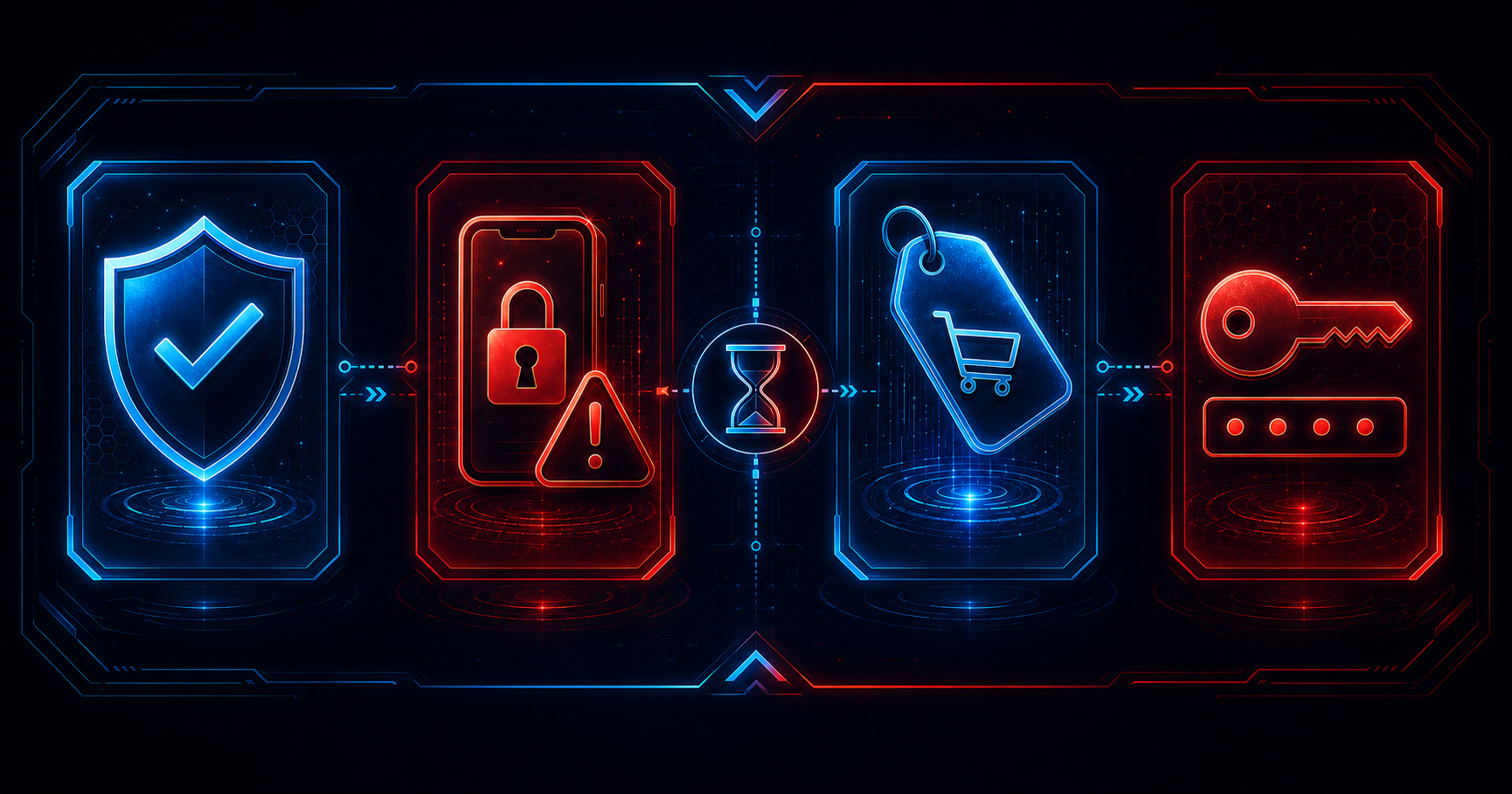
Trade hold is a delay before a skin is finally transferred to the recipient. Many newcomers see it for the first time and think something is wrong. In reality, it's a security mechanism by Valve: if an account is hacked and the scammer manages to send a trade, the owner will have time to cancel it before the hold ends.
Here's when hold applies and when it doesn't:
The Steam Guard Mobile Authenticator is active for both parties for 15+ days —there is no hold, items are transferred instantly, but they can be exchanged after 7 days.
One of the parties doesn't have a mobile authenticator —there's a 15-day hold period, after which the items are transferred to your inventory. After that, you can exchange them after 7 days. A total of 22 days.
Skins purchased on the Steam Community Market are instantly added to your inventory and can be traded within 7 days.
We recently changed our account password , which means trading is restricted for 5 days.
This leads to a practical conclusion: if you plan to actively transfer skins in CS2, activate Steam Guard immediately after creating your account and wait 15 days. This is the only way to exchange skins with minimal delays. No amount of support requests from Steam will shorten this period—it's built into the system intentionally.
Another nuance concerns skins from the Community Market: even if you have an active authenticator, a newly purchased item will still be locked from trading for 7 days. This is a separate restriction, independent of Steam Guard.
Is it possible to cancel the transfer of skins in CS2?
Previously, the answer was a clear no. A confirmed trade was considered final, and the only way to get the skin back was through negotiation with the other party. In July 2025, Valve changed the rules: the Trade Protection system was introduced, allowing trades to be reversed within 7 days.
Here's how it works now:
After a trade is confirmed, CS2 items are automatically assigned the "Trade Protected" status for 7 days.
During this period, either party may initiate a cancellation through the exchange history.
Items are instantly returned to their original owners.
The cancellation initiator receives a 30-day trading ban, which Steam Support does not lift.
The other party is not subject to any restrictions upon cancellation.
There are several important restrictions you should be aware of in advance. Trade Protection only works for CS2 items—other games are not yet supported. You cannot mix CS2 items with items from other games in a single trade—such a trade offer will simply fail. And if your account doesn't use a mobile authenticator and the item is on hold for 15 days, protection will not apply.
This feature was created as a scam protection, not as a "change your mind" button. In any case, canceling an exchange will result in a 30-day ban on CS2 trading.
How to safely transfer skins in CS2 and avoid getting scammed?
Skin trading is a favorite target for scammers in CS2. Scams range from crude phishing links to subtle manipulations using psychological pressure. The good news is that most scams are easy to spot if you know what to look for.
The most common signs of fraud:
You're asked to hand over skins "for verification," "for safekeeping," or "for account verification"—no legitimate service works like that.
The offer seems too good: a stranger wants to overpay for a skin for no apparent reason—it's a classic overpay scam.
The trade link doesn't lead to steamcommunity.com —any other domain is phishing.
They rush you and put pressure on you to make it urgent: “accept it faster, I’ve already found another buyer.”
The interlocutor suggests disabling Steam Guard "to make the trade go faster" - this is a direct path to losing your account.
There's only one rule, and it applies without exception: all trades must be made through the official Steam interface or through a trusted platform. No third-party programs, no "guarantors" offered by strangers. If something seems odd, it probably is. Transferring CS2 skins to strangers should only be done through a direct trade link within Steam, and nothing else.
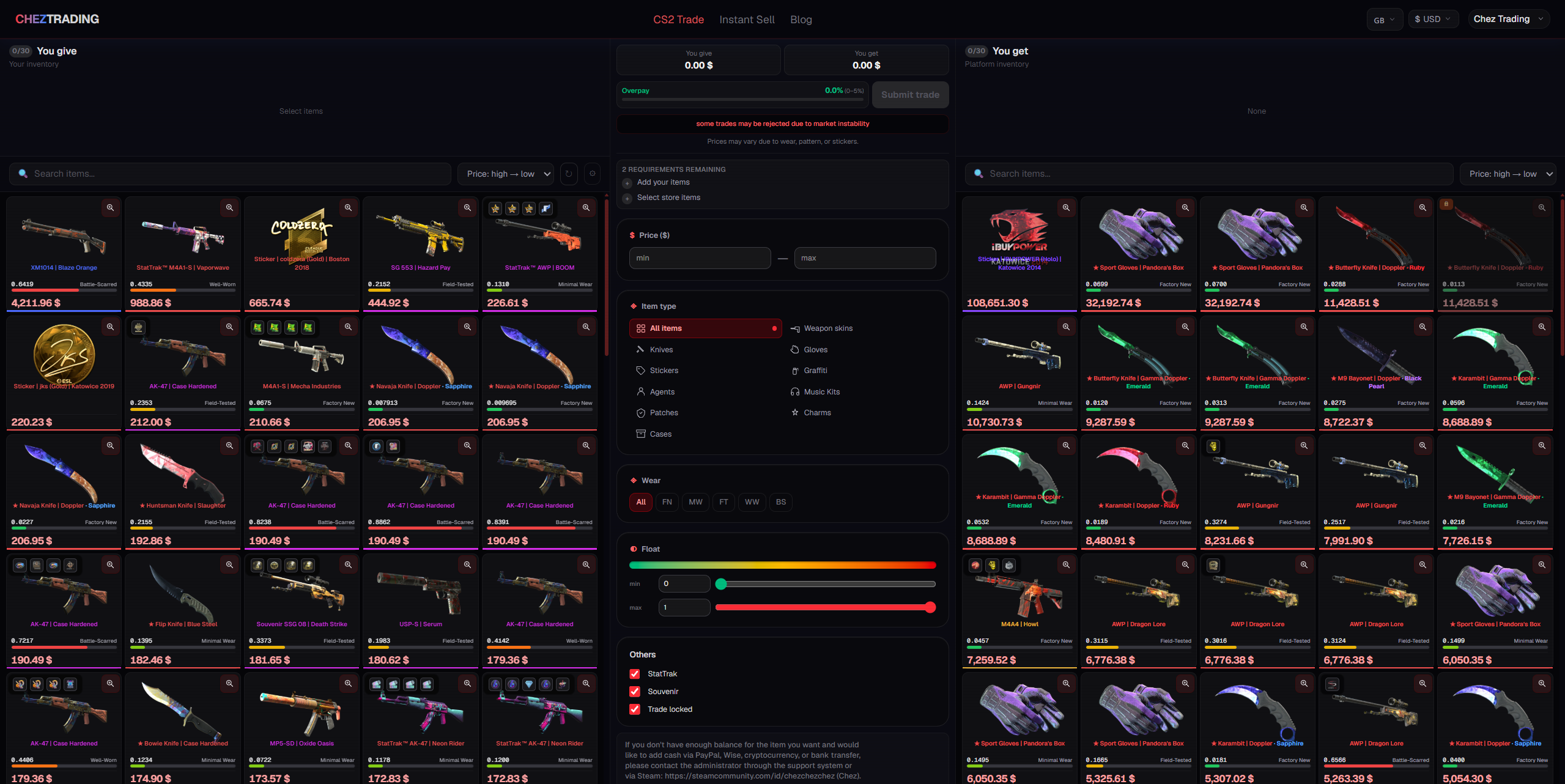
External platforms are a separate issue. Some are legitimate and operate through the official Steam API. However, new or little-known sites with trading bots are a high-risk area. If you're really tempted to use a third-party platform, check its reputation on specialized forums before sending anything valuable there. For example, item exchanges on chez.trading are handled through the official Steam Trade Offer—no password, no third-party software, no waiting for a stranger online.
What should I do if I can't transfer skins in CS2?
Sometimes a trade fails for technical reasons—the button is grayed out, the skin can't be selected, or the offer is automatically rejected. Don't panic: the cause is almost always clear and can be resolved without contacting support. Here are the most common situations and what to do:
The skin can't be selected for trading —there's usually a 7-day hold after purchasing it on the Market. Solution: Wait until the hold ends.
There's no "Offer a Trade" button —the account isn't friended and there's no trade link. Solution: Request a trade link from the recipient.
The trade is stuck for 15 days —the mobile authenticator isn't connected. Solution: Activate Steam Guard and wait 15 days.
Trading is completely impossible —the account has been VAC-banned in CS2. In this case, direct trades are unavailable; items can only be sold through the Steam Community Market.
The trade was automatically rejected because the offer mixed items from CS2 and other games. Solution: split into separate trades.
VAC bans are worth a separate mention. A banned CS2 account cannot participate in direct trades of items from that game, nor can it sell them through the Steam Community Market.
Trade without surprises
Transferring skins in CS2 via Steam is as easy as sending a link to a friend. The key is to do everything right once: activate Steam Guard, wait 15 days, and find your trade link. After that, any trade takes less than a minute. The Trade Protection system, introduced in July 2025, added an additional layer of protection: an accidental or fraudulent trade can now be reversed within a week, although there will be consequences for the person who initiated the reversal.
If you don't want to search for a counter-offer and negotiate via private messages, you can exchange skins directly on chez.trading : it's the same secure Steam Trade Offer, but without the hassle of searching for a suitable partner.